
Question from a Stolen Horse International-NetPosse Missing and Stolen Equine Facebook follower: Hello, I’m a follower of your page and recently noticed that I’m no longer receiving notifications for posts and updates, even though I believe I previously liked and followed the page. Could you please advise how I can check my current status and adjust my settings to ensure I receive notifications going forward? I don’t want to miss important updates. Thank you for your help.
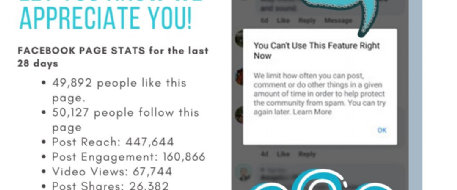
Not seeing our Facebook page notices is unfortunately very common, and it does not mean anyone did anything wrong. Facebook frequently changes how Pages, likes, follows, and notifications work, and those changes can quietly remove follows, reset notification preferences, or stop delivering posts without telling the user or the Page admin.
Below is a clear, practical explanation, plus steps you can take right now to improve notifications and visibility.
Why this happens
- Facebook periodically resets or changes Page settings
- “Liking” a Page is no longer the same as following
- Notification defaults often revert to “Highlights” or “Off”
- Followers who don’t interact for a while may stop seeing posts entirely
- Even Page founders, admins, and top fans can be affected
This is system-wide behavior, not something unique to your page.
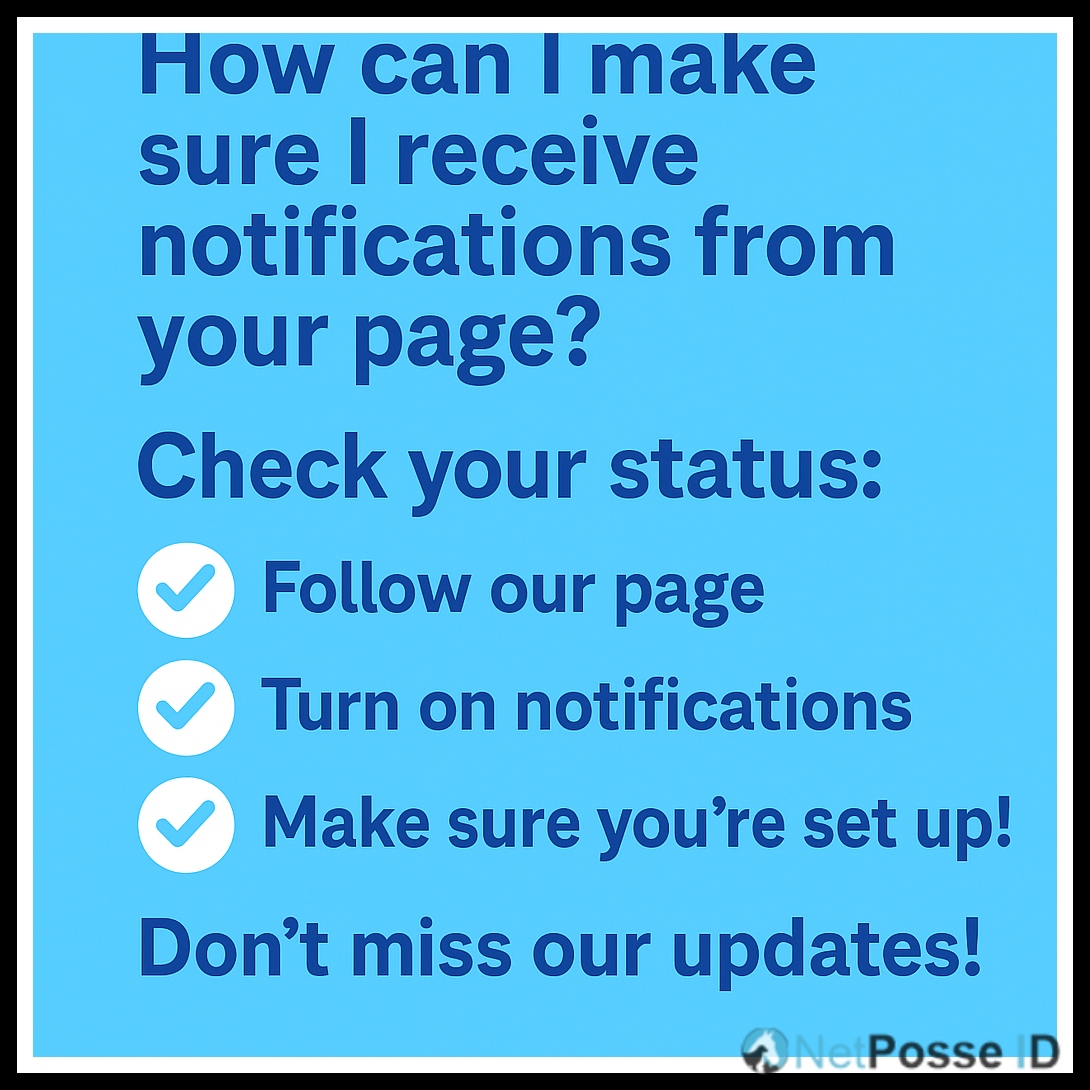
How can people make sure they receive your Page notifications
Follow each step carefully (many think you’ve done it, but haven’t).
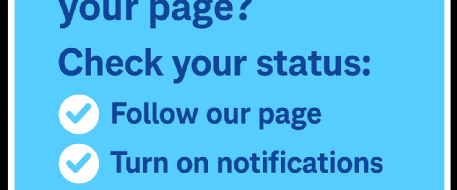
Step 1: Make sure you are FOLLOWING the page
- Go to your Facebook Page
- Click the “…” (three dots) next to the page name
- Click Follow settings
- Confirm Followed is ON
Liking alone is no longer enough.
Step 2: Turn on FULL notifications
- On the Page, click the “Following” button
- Choose Notifications
- Select Standard or All Posts (not Highlights)
- Turn on:
-
- New posts
- Live videos
- Important updates
Step 3: Set your Page to “Favorites”
This greatly increases visibility.
Mobile:
- Menu (☰)
- Settings & privacy → Settings
- Notifications → Feed
- Favorites → Add your Page
Desktop:
- Menu → Feeds → Favorites
- Add your Page
Step 4: Engage with the Page (this matters!)
Supporters need to:
- Like or react to posts
- Comment (even “Boost” or “Shared” helps)
- Share posts
- Click photos or links
Facebook’s algorithm favors interaction, not just follows.
Step 5: Check to see if you didn't accidentally unfollowed
Facebook sometimes switches Pages to:
- “Unfollow”
- “Highlights only”
Make sure to re-check settings every few months.
Stolen Horse International provides news and other resources for free on this website. As a charitable organization we survive on the kindness of people like you. Please consider donating to help fund the organization or purchasing a NetPosse ID for your horse, dog or cat to help protect your beloved animals!
Debi Metcalfe
Please login to post a comment.
Related Articles

Comments